> For the complete documentation index, see [llms.txt](https://help.everask.ai/llms.txt). Markdown versions of documentation pages are available by appending `.md` to page URLs; this page is available as [Markdown](https://help.everask.ai/products-and-features/ai-chat/how-to-use-ai-chat.md).
# How to use AI Chat?
AI Chat is designed to be intuitive and flexible, allowing you to interact with powerful language models for a wide range of tasks. Whether you're drafting content, analyzing data, or generating ideas, the process is simple and efficient. Switch between the world's top models at any time, turn on web search for live information, attach files for context, and choose Think, Pro, or Ultra depending on how much depth your task needs.
### Getting Started
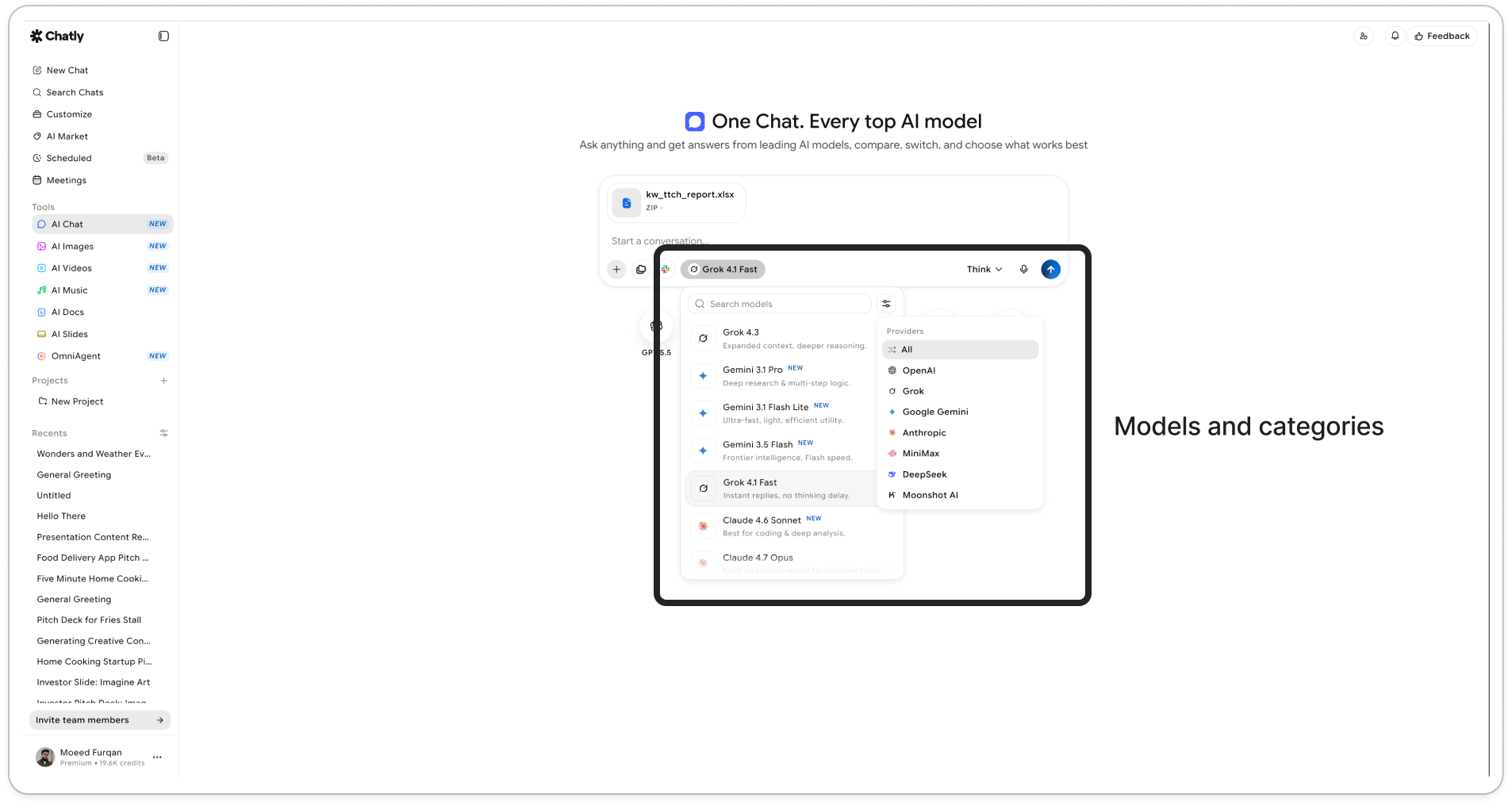
1. Select the model, best suited for your conversation, upload images or files to process!
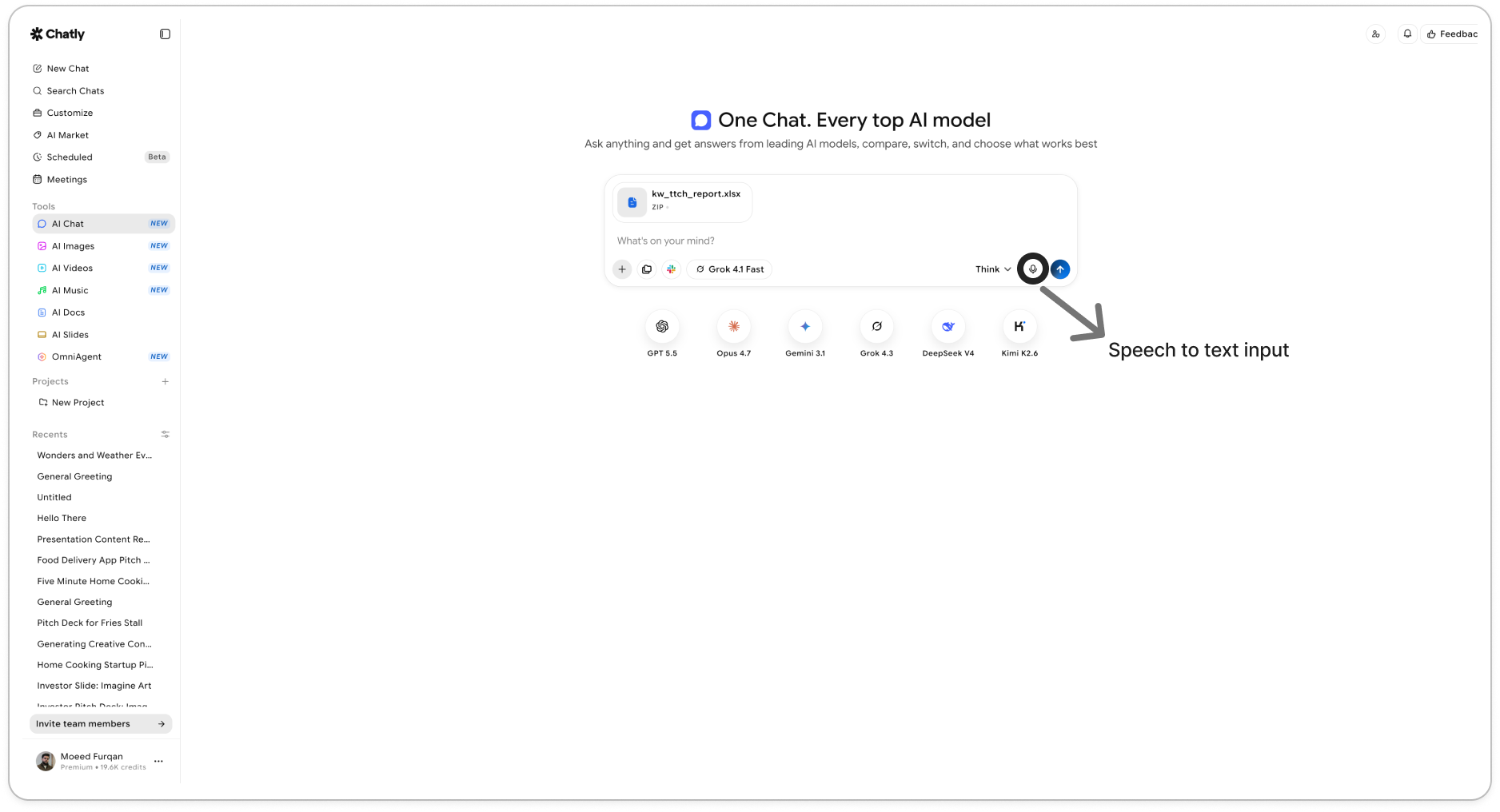
2. Use Speech to Text audio input as and if required
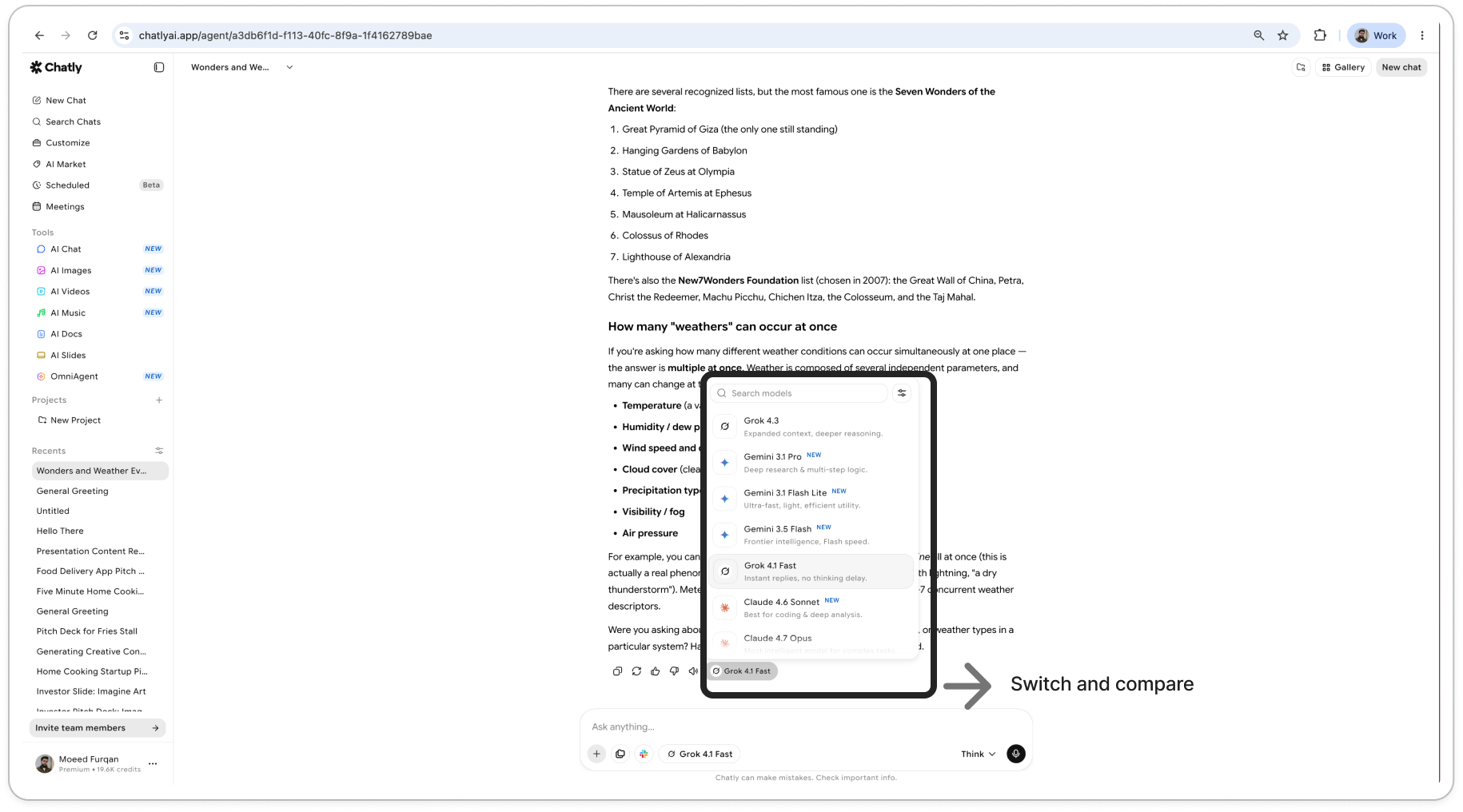
2. Switch your model in the middle of chat to compare results.
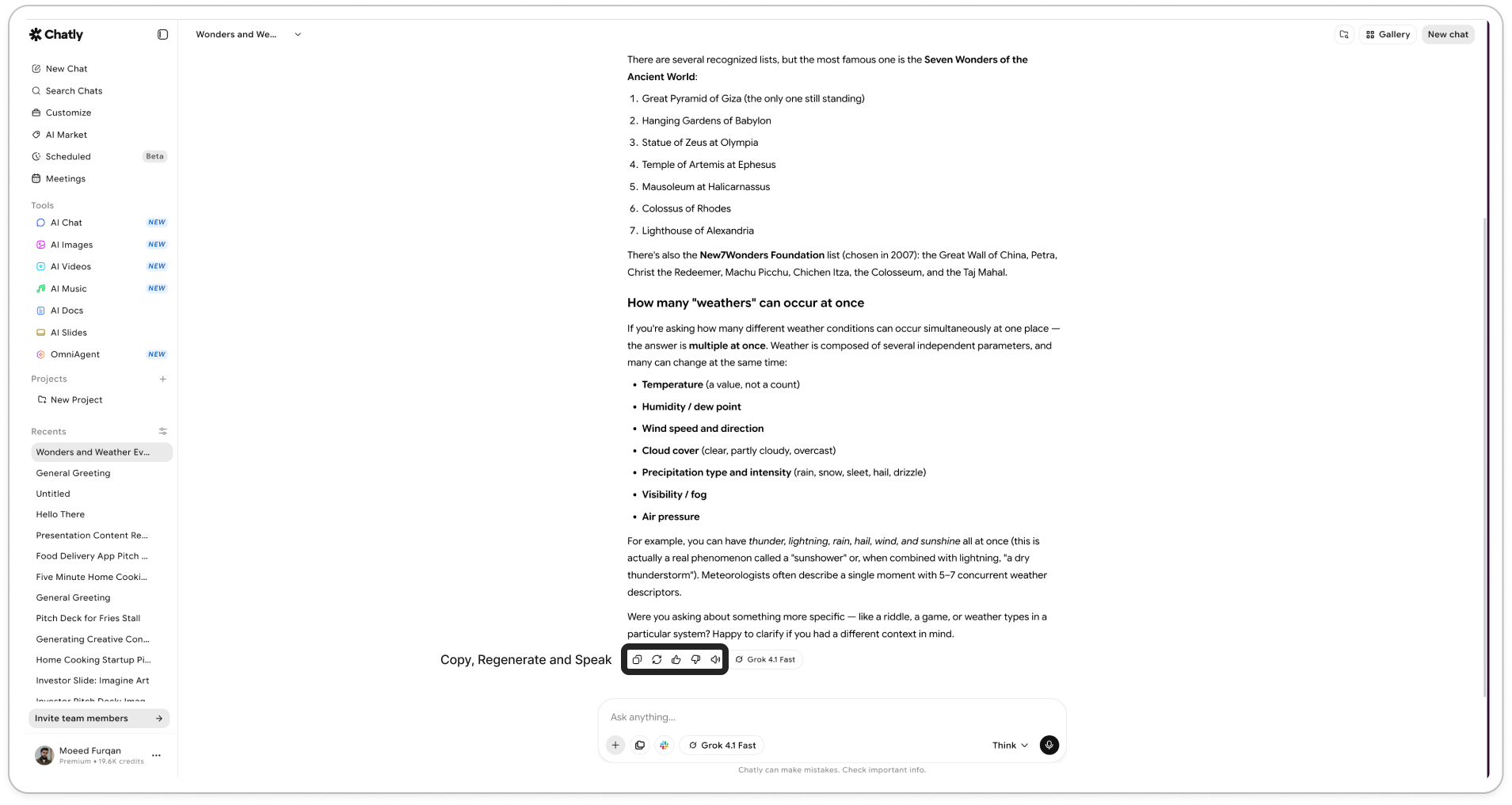
2. Copy your responses, regenerate them, provide feedback, or even read the response aloud using our Text to Speech facility.
### History
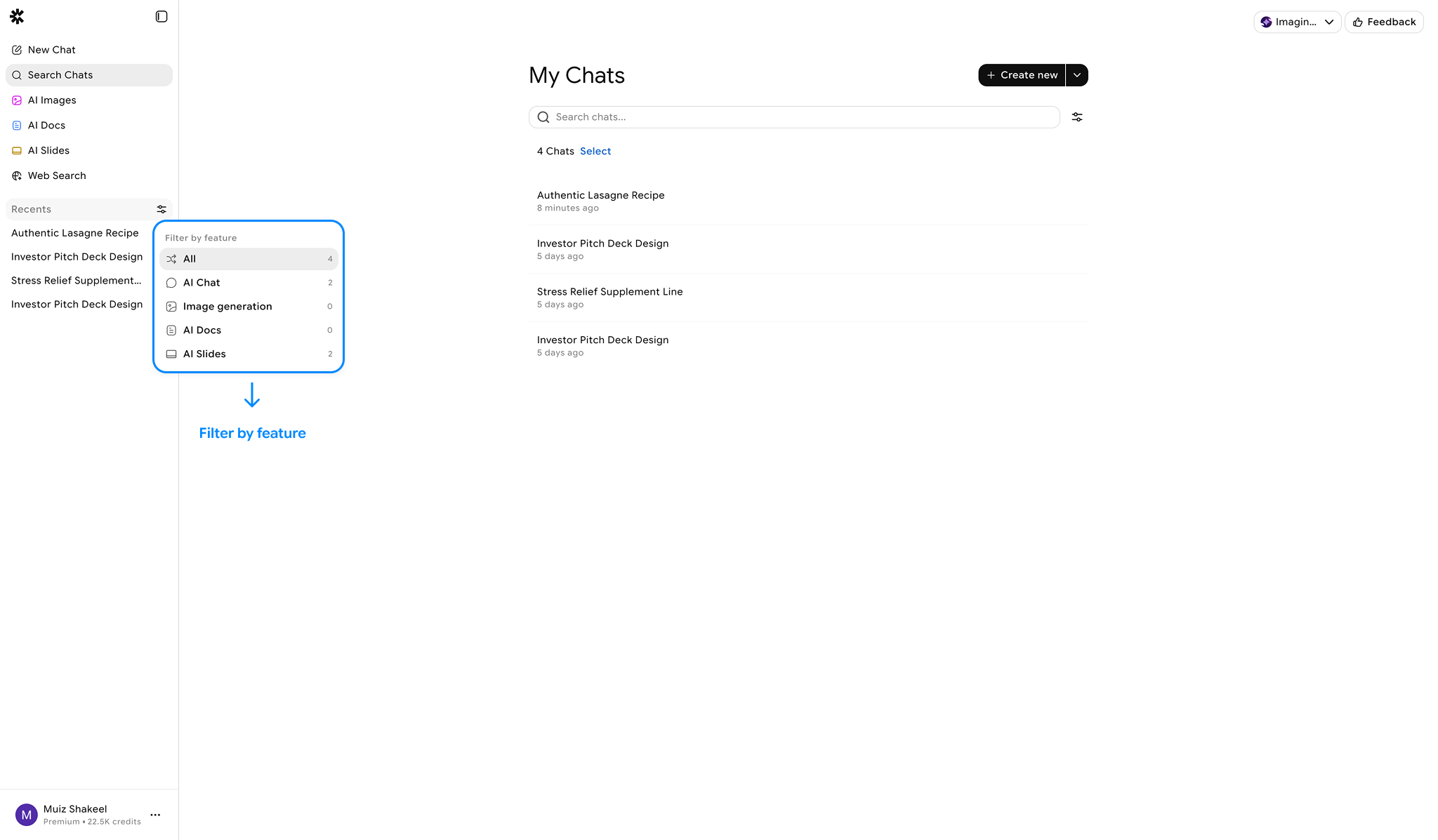
Chat History can be accessed by clicking 'Search Chats' button in the left nav bar or by directly accessing "Recents".
* All chat interactions are stored in Chat History.
* Previous conversations can be reopened, refined, or continued.
* Click on three dots in Chat history to Pin, Delete or Rename chat item.
#### Usage
* Each message processed consumes credits as per your response and model used.