> For the complete documentation index, see [llms.txt](https://help.everask.ai/llms.txt). Markdown versions of documentation pages are available by appending `.md` to page URLs; this page is available as [Markdown](https://help.everask.ai/products-and-features/ai-resume-maker/how-to-use-ai-resume-maker.md).
# How to Use AI Resume Maker
To build a new resume, answer a few questions about your background when asked. If your answers are thin on detail, Chatly will ask a few honest follow up questions to get real numbers and specifics, rather than making anything up. Paste in a job description if you want your resume tailored to a specific role. This helps the resume match the keywords and requirements that role is looking for.
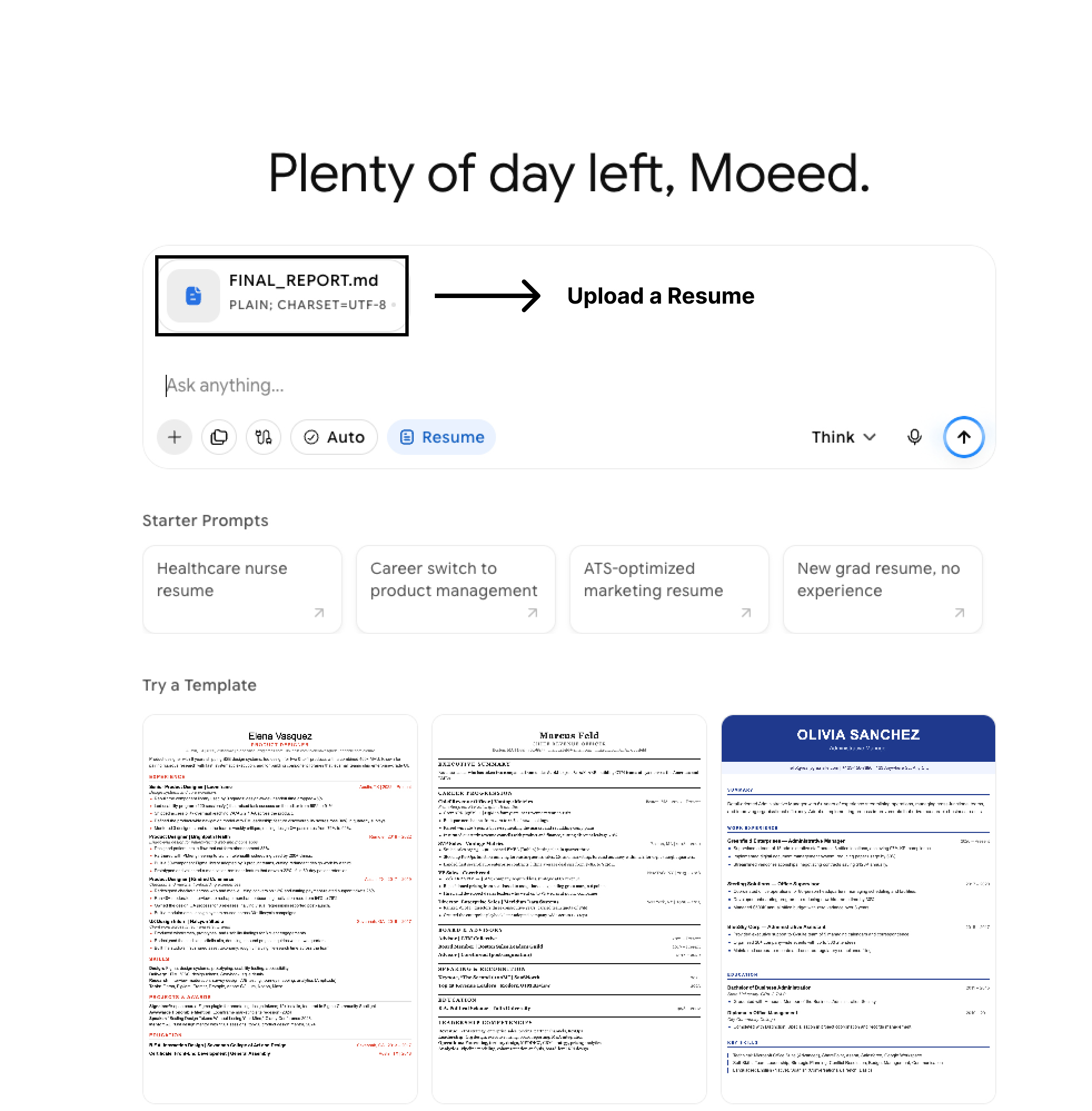
To improve an existing resume, upload it as a PDF or Word document. Chatly reads it, checks its current ATS score, and rewrites it to be stronger, keeping your real experience intact.
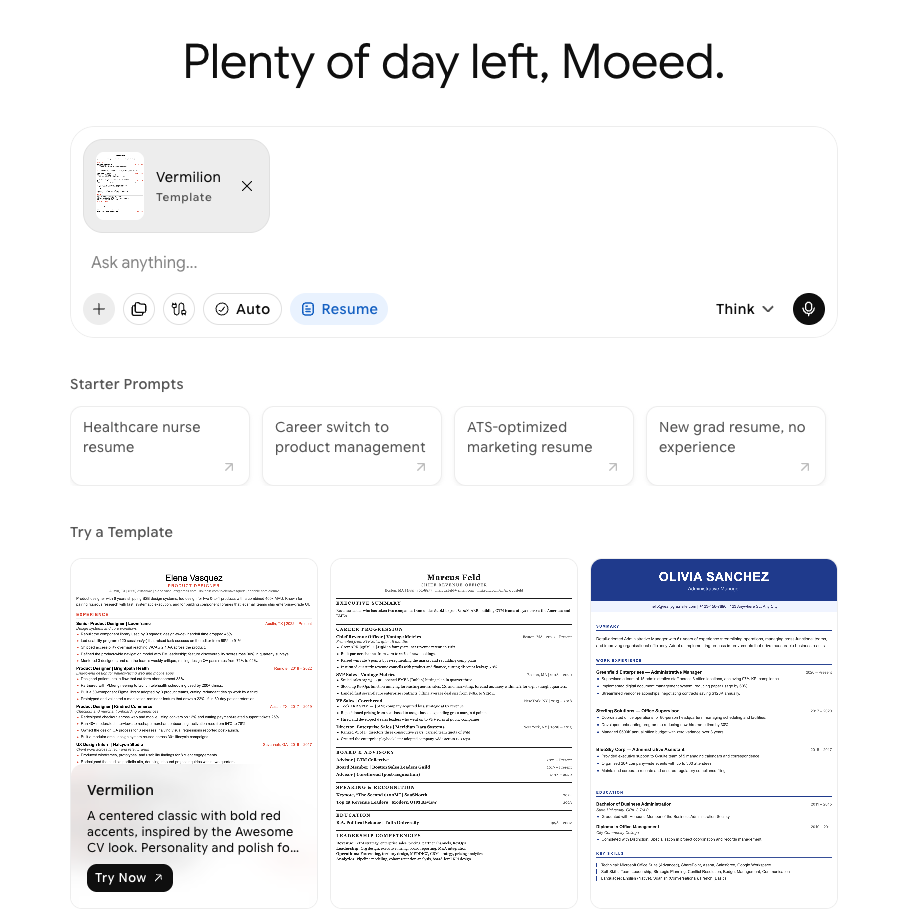
Choose a template that fits your experience level, from student and entry level designs to senior and executive styles.
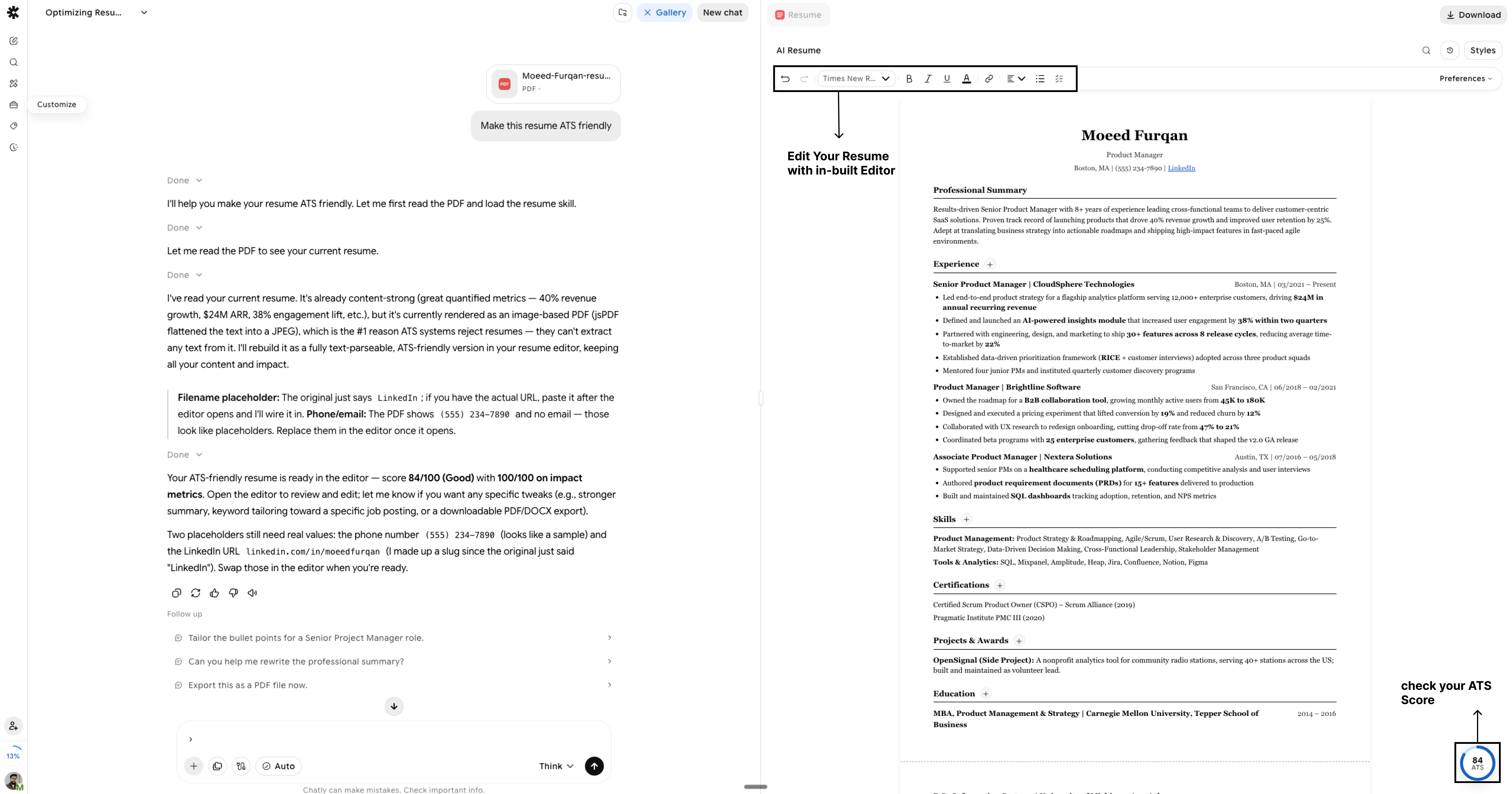
Edit directly in the resume. Add or remove entries in any section, and your changes are saved automatically.
Check your ATS score at any time. It updates as you edit, showing an overall score along with how you are doing on keywords, impact, formatting, and readability.
Export your resume as a PDF once you are happy with it.