> For the complete documentation index, see [llms.txt](https://help.everask.ai/llms.txt). Markdown versions of documentation pages are available by appending `.md` to page URLs; this page is available as [Markdown](https://help.everask.ai/products-and-features/ai-search-engine/how-to-use-ai-search.md).
# How to use AI Search?
AI Search is simple to use and designed to deliver relevant, contextual results in seconds. Follow these steps to get started:
### Focus Mode
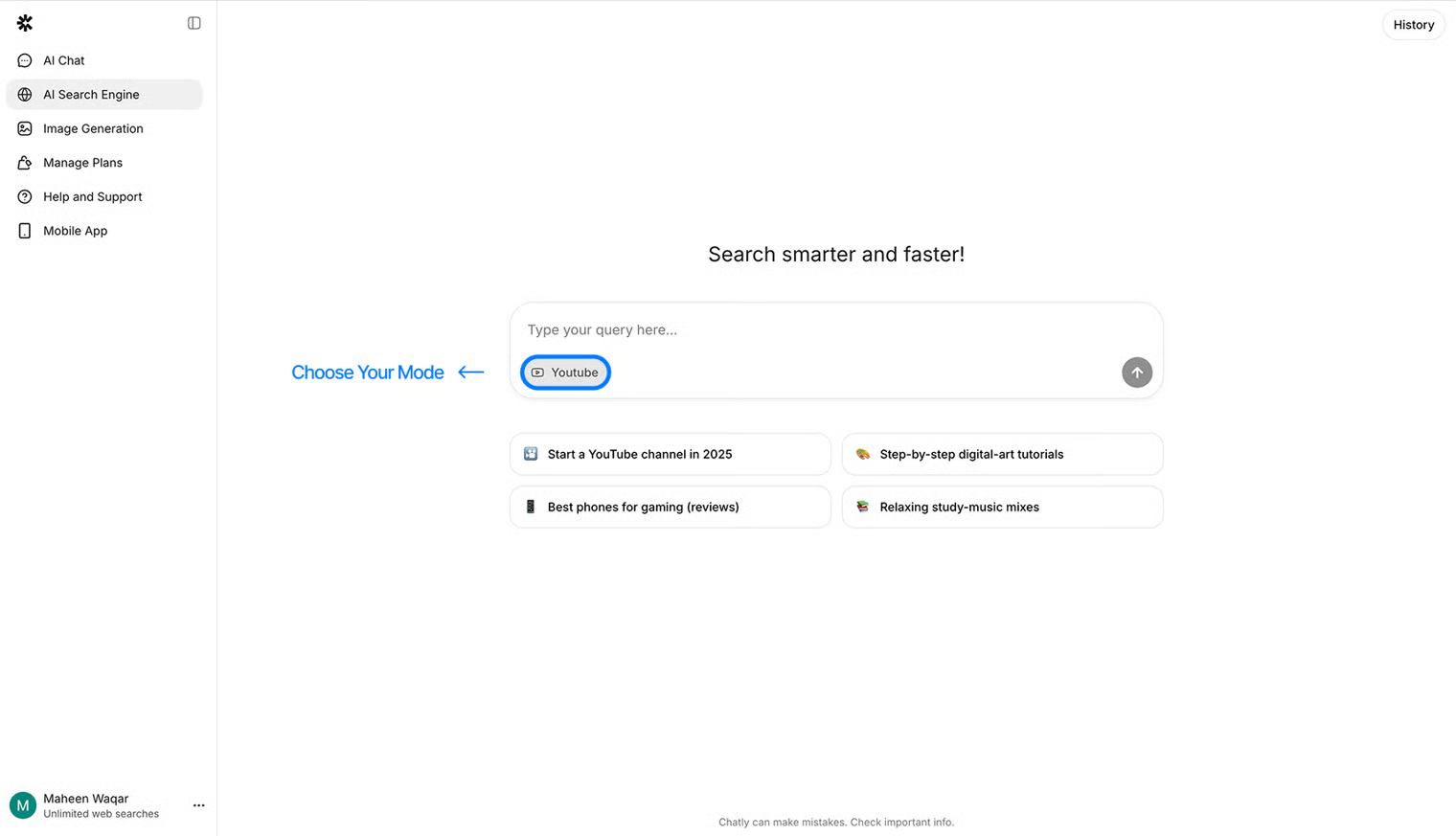
1. **Choose a Focus Mode**\
Select from modes like *Web*, *Academic*, or *Reddit* to narrow down your search context and data sources.
### Input Options
2. **Enter Your Query**\
Type your question or request in natural language. AI Search supports both short queries (e.g., *“latest iPhone release date”*) and detailed research prompts.
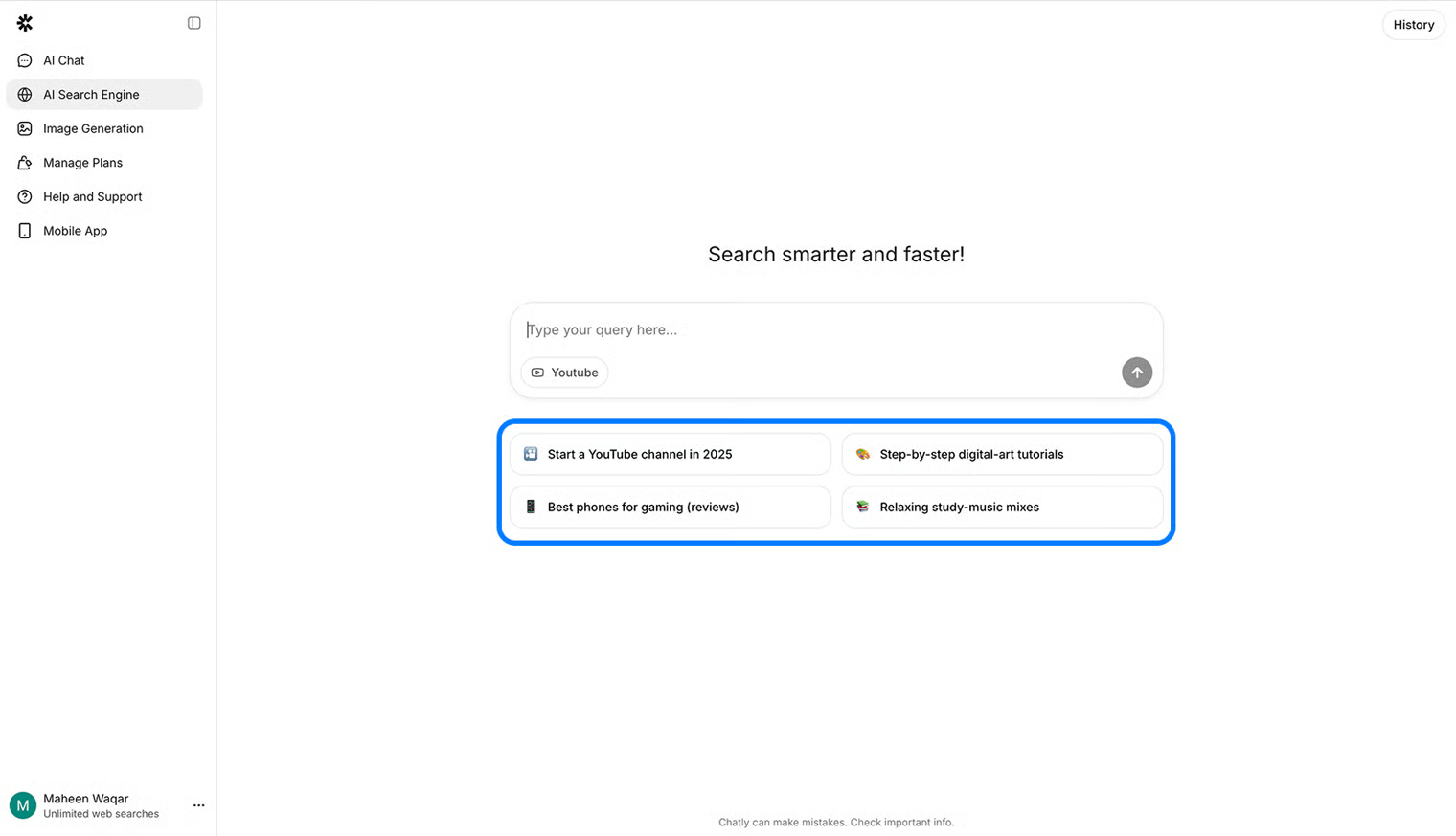
3. **Use Presets (Optional)**\
Quick-start presets help with common tasks such as *“summarize article”*, *“find statistics”*, or *“compare products.”*
### Search Results
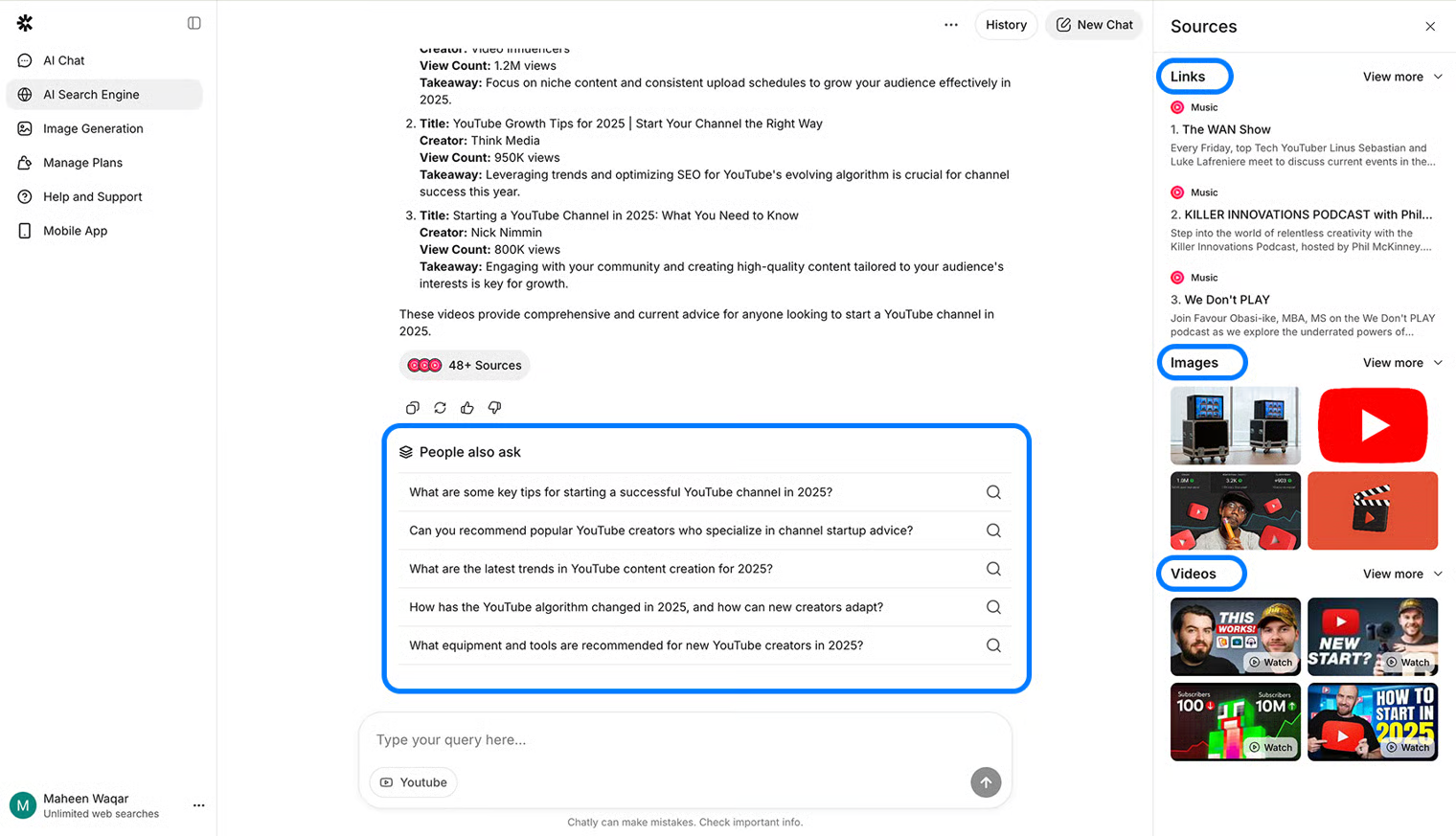
4. **View Search Results**\
Results may include:
1. **Links:** Direct access to relevant pages and sources.
2. **Images:** Related visuals to support your query.
3. **Videos:** Embedded previews and summaries (YouTube mode).
4. **People Also Ask:** Suggested questions for deeper exploration.
5. **Review and Explore**\
Click any result to view the source, or let AI summarize key points for faster understanding.
#### History
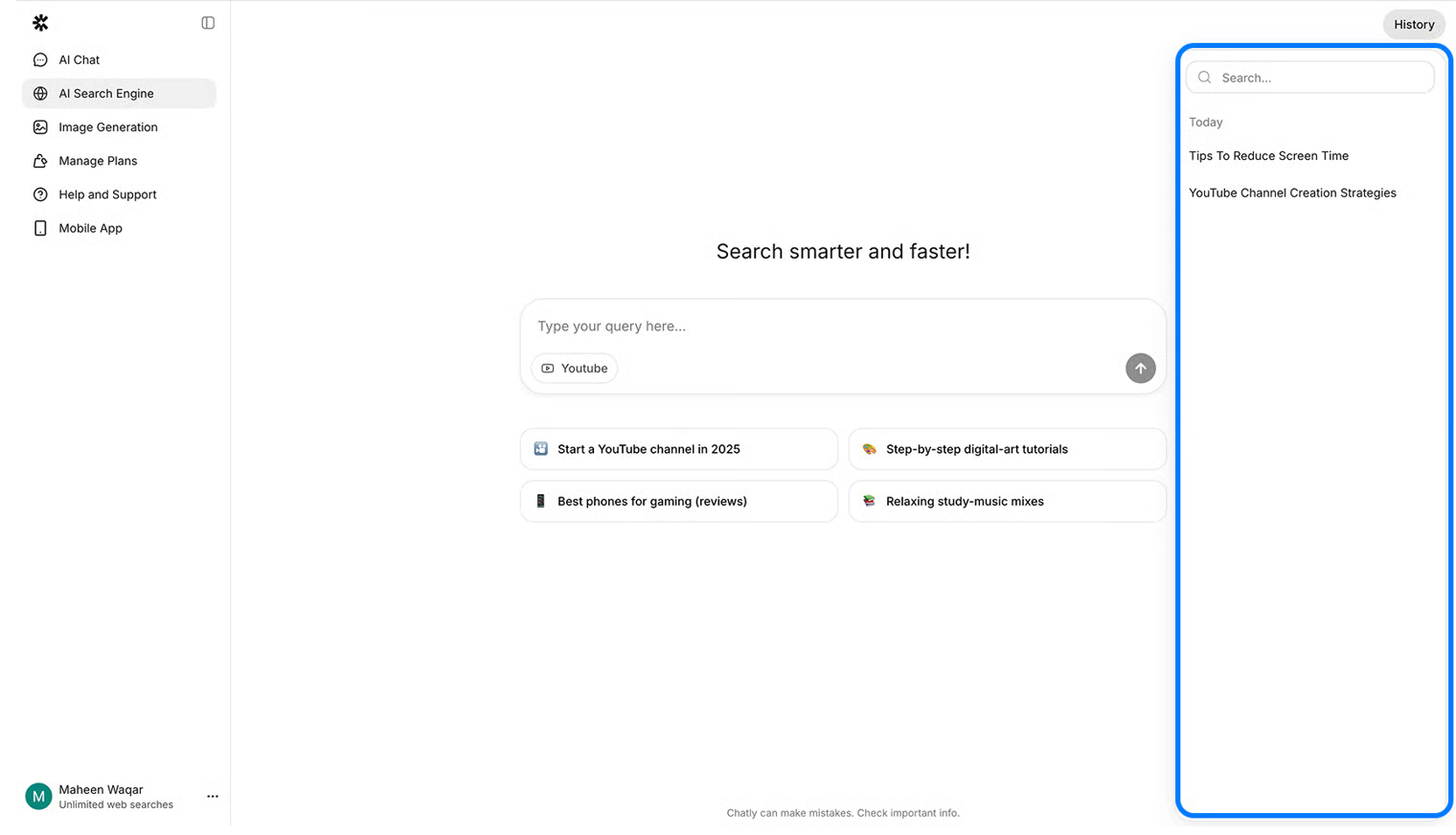
5. **Access Search History**\
Every query is automatically saved in your **Search History**, allowing you to revisit or re-run previous searches. You can also **Pin**, **Rename**, or **Delete** past items.
#### Usage
* Searches are limited based for free users.