> For the complete documentation index, see [llms.txt](https://help.everask.ai/llms.txt). Markdown versions of documentation pages are available by appending `.md` to page URLs; this page is available as [Markdown](https://help.everask.ai/products-and-features/ai-videos/what-are-ai-videos.md).
# What are AI Videos?
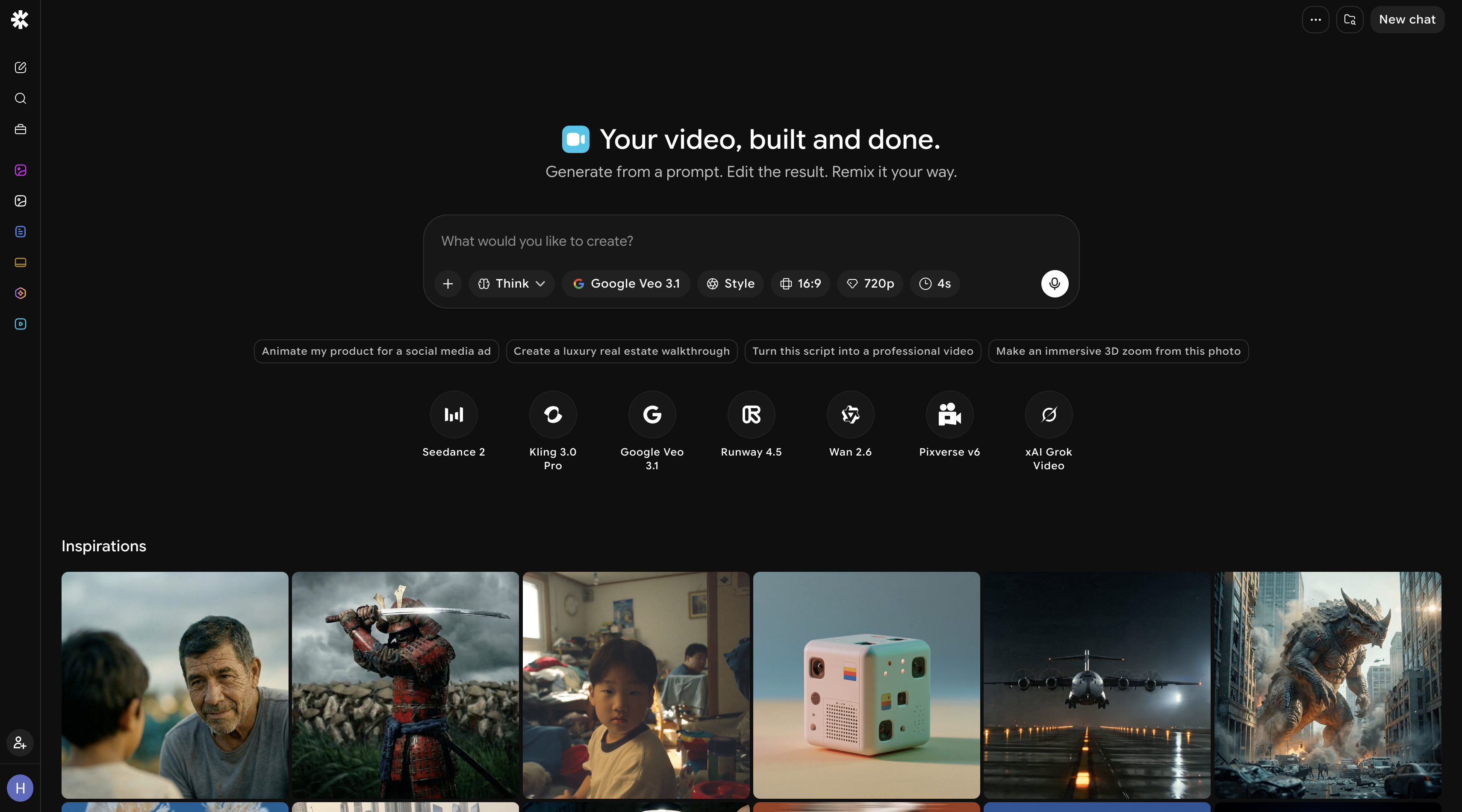
AI Video Generation is an AI-powered creative workspace that enables you to produce high-quality videos from text prompts through natural language instructions. Control every aspect of your video. From model and style to resolution, aspect ratio, and duration all within a simple conversational interface.
### Getting Started with AI Videos
You can create a video in two ways:
* **Prompt-based creation** – Describe the scene or concept you want, and AI generates a video based on your instructions
* **Reference-based creation** – Upload an image or visual reference to guide the style and content of your generated video
### Generation Settings
Before generating, you can customize:
* **Model** – Choose from multiple specialized video generation models depending on your quality and style needs
* **Style** – Select a visual style to guide the aesthetic of your video (e.g. cinematic, animated, realistic)
* **Resolution** – Control the output quality of your video
* **Aspect Ratio** – Choose the format that fits your use case (e.g. 16:9 for landscape, 9:16 for vertical/mobile, 1:1 for square)
* **Duration** – Set how long your generated video should be
***
### Models Available
1. **Google Veo 3.1** Google's flagship video generation model delivering cinematic quality, high motion coherence, and photorealistic outputs for demanding creative projects.
2. **Google Veo 3.1 Fast** A faster variant of Veo 3.1 that balances speed and quality, ideal for quick iterations without sacrificing too much visual fidelity.
3. **Google Veo 3.1 Lite** A lightweight version of Veo 3.1 optimized for speed and efficiency, best suited for rapid prototyping and lower-cost generation
4. **Kling 3.0 Pro** A high-performance model known for smooth motion, strong prompt adherence, and detailed scene composition across a variety of styles.
5. **Kling 2.6 Pro** A capable and reliable generation model offering strong visual quality and consistent results for professional and creative use cases.
6. **Wan 2.6** A versatile open-architecture model well-suited for diverse visual styles, offering solid motion quality and broad creative flexibility.
7. **Pixverse v6** A stylistically expressive model designed for creative and artistic video generation with strong support for animated and stylized outputs.
8. **Runway 4.5** A professional-grade model from Runway offering precise control, high coherence, and polished results for cinematic and commercial content.
9. **Seedance 2** A dynamic generation model focused on fluid motion and vivid scene transitions, ideal for energetic and visually engaging content.
10. **xAI Grok Video** xAI's video generation model offering unique creative interpretations and strong conceptual prompt understanding for experimental content.
11. **Seedance 1.5 Pro** A refined and production-ready model delivering consistent quality and smooth motion, well-suited for professional and commercial video workflows.
***
### Exporting Videos
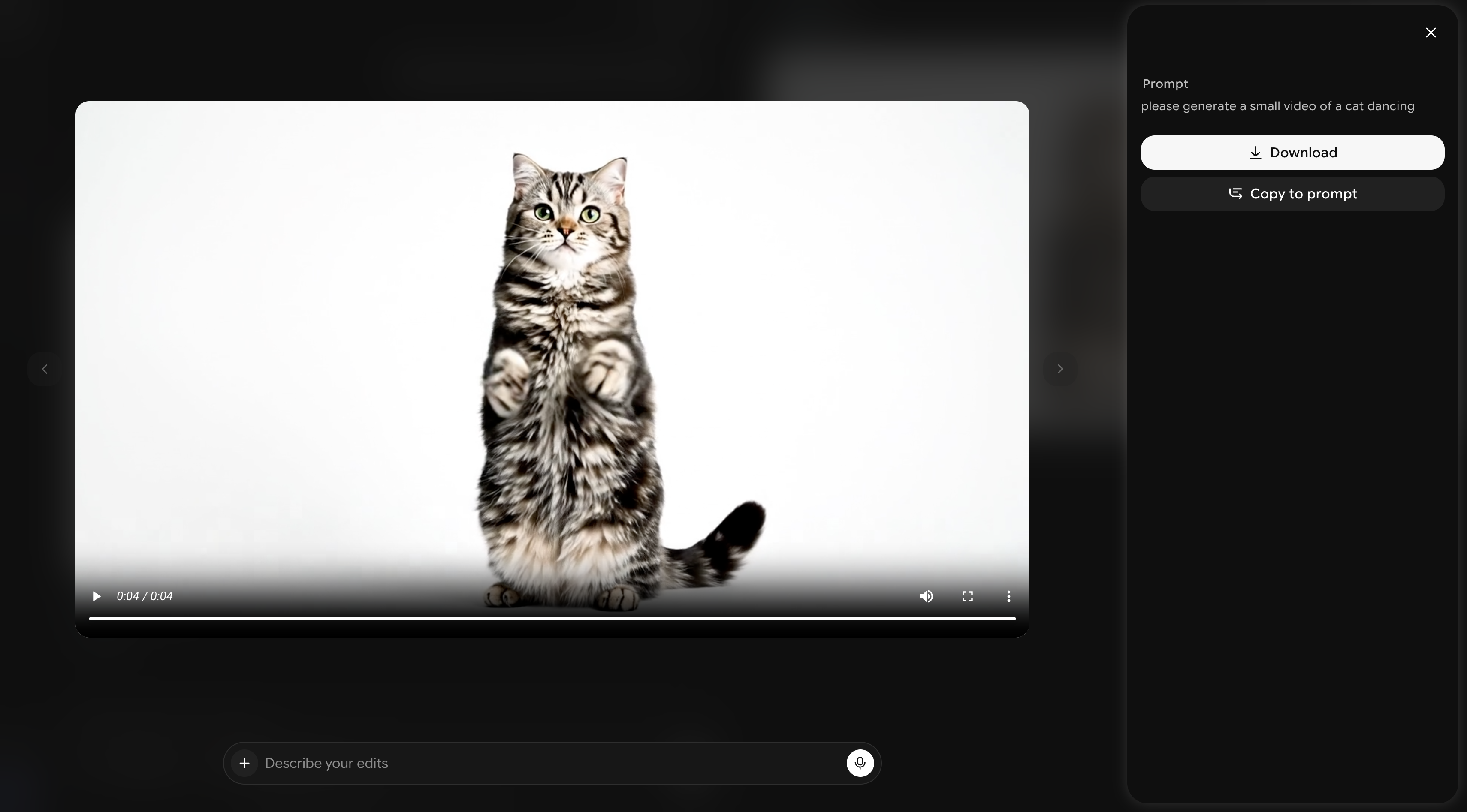
Once satisfied with your result, you can download your generated video directly or copy it into the prompt for further changes