> For the complete documentation index, see [llms.txt](https://help.everask.ai/llms.txt). Markdown versions of documentation pages are available by appending `.md` to page URLs; this page is available as [Markdown](https://help.everask.ai/products-and-features/connectors.md).
# Connectors
Connect your favourite apps and services so Chatly can access your data, take actions, and work across your tools seamlessly. Open the Customize hub and go to Connectors — each app connects in a couple of clicks.
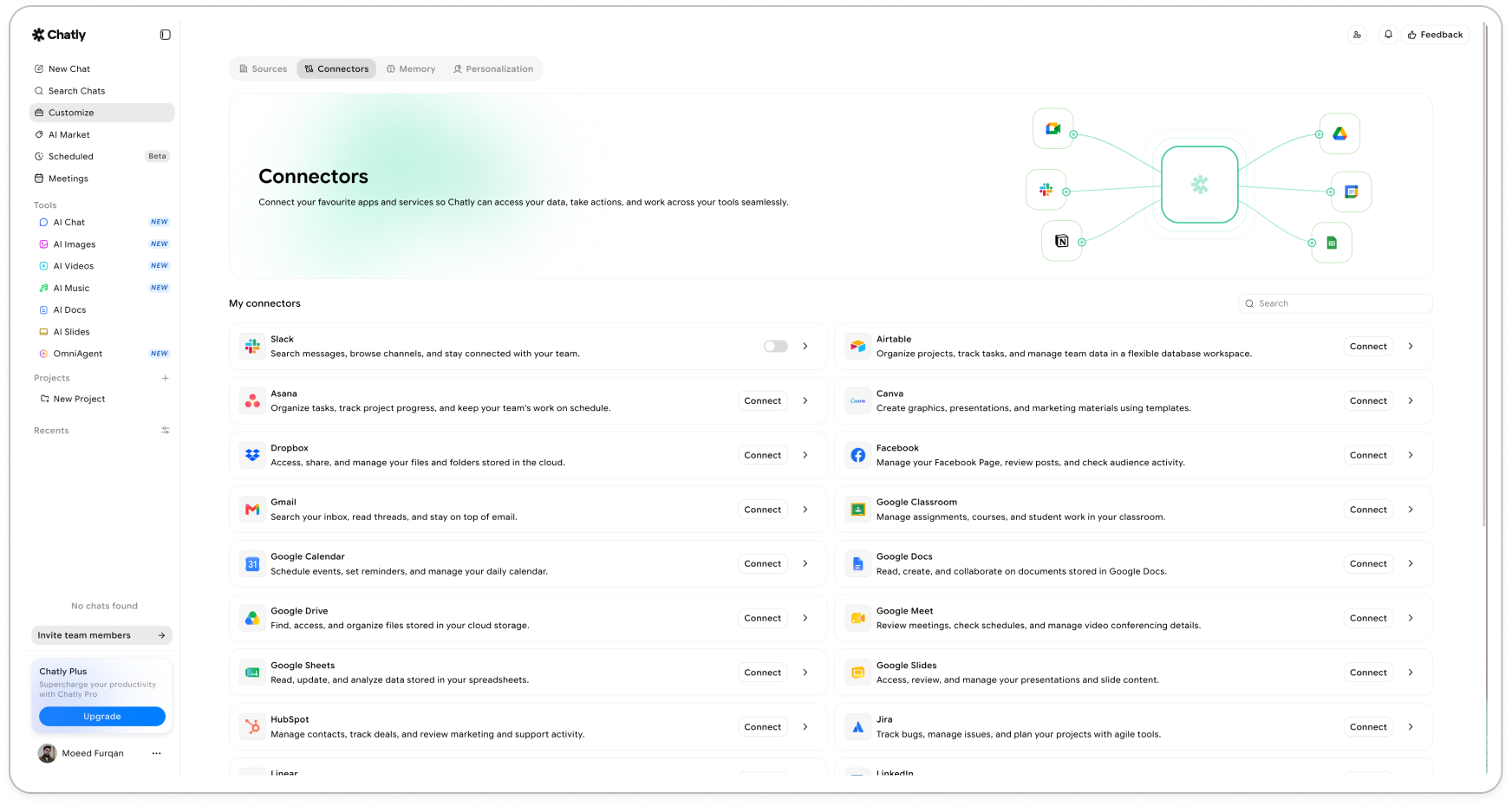
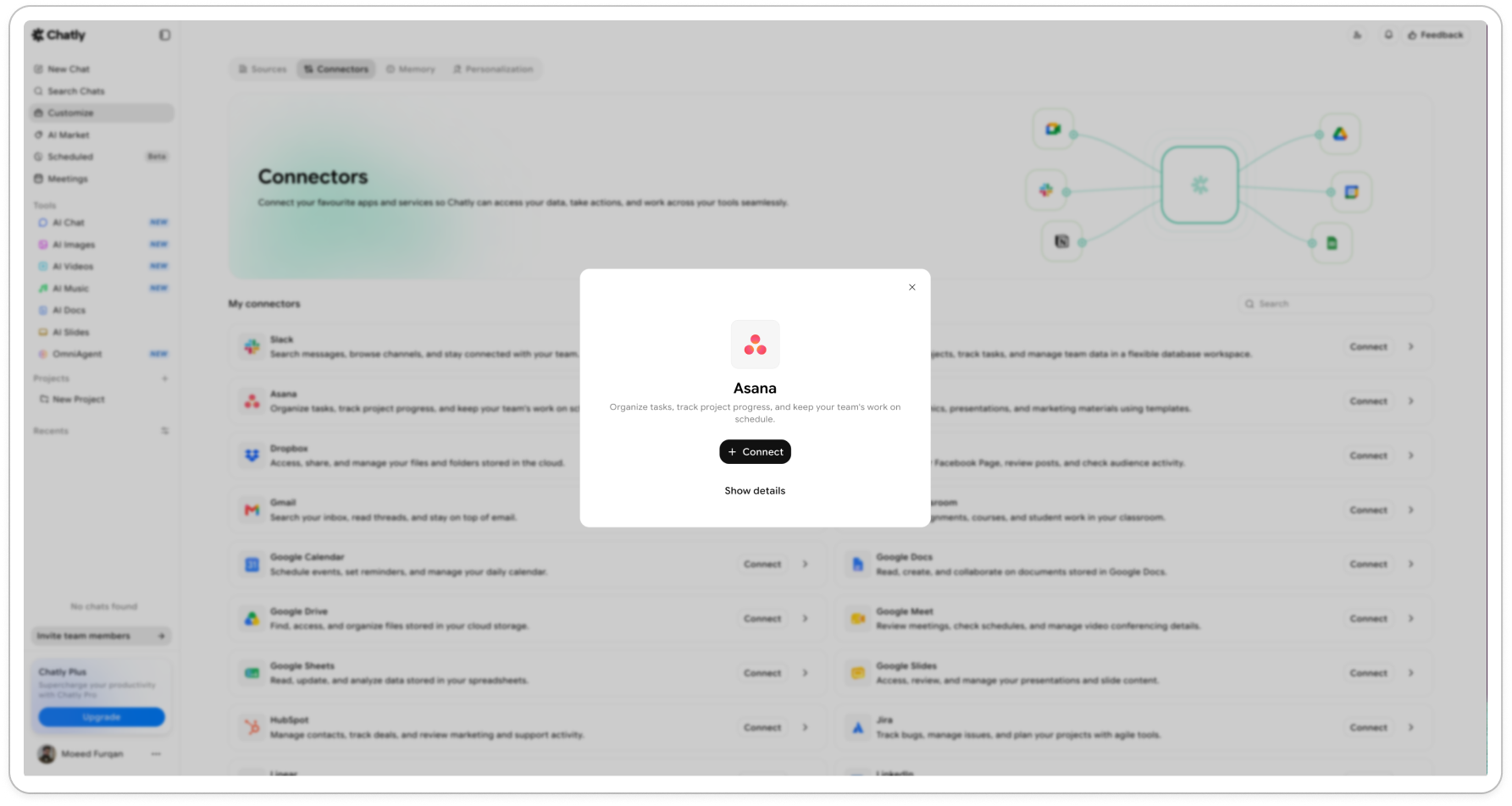
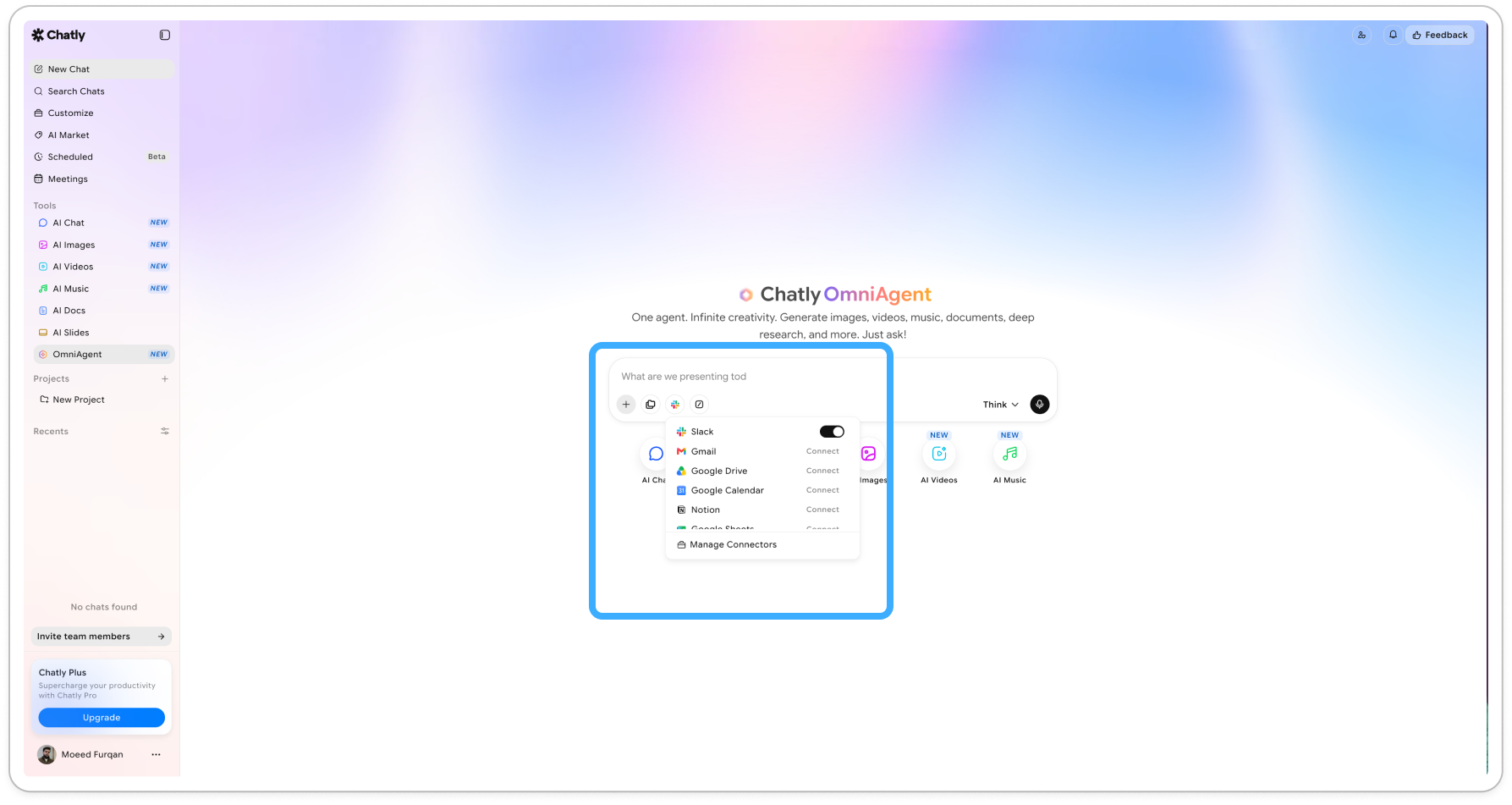 **Available connectors**: Slack, Airtable, Asana, Canva, Dropbox, Facebook, Gmail, Google Classroom, Google Calendar, Google Docs, Google Drive, Google Meet, Google Sheets, Google Slides, HubSpot, Jira, Linear, LinkedIn, Notion, OneDrive, Outlook, QuickBooks, Reddit, Sentry, Stripe, Todoist, Typeform, YouTube, Zendesk etc.