> For the complete documentation index, see [llms.txt](https://help.everask.ai/llms.txt). Markdown versions of documentation pages are available by appending `.md` to page URLs; this page is available as [Markdown](https://help.everask.ai/products-and-features/omniagent/how-to-use-omniagent.md).
# How to use OmniAgent?
1. **Go to OmniAgent** : From the main navigation or your app home screen, open OmniAgent.
2. **Choose your mode** : Select Thinking for quick results, Pro for more detailed work, or Ultra for maximum quality and reasoning power.
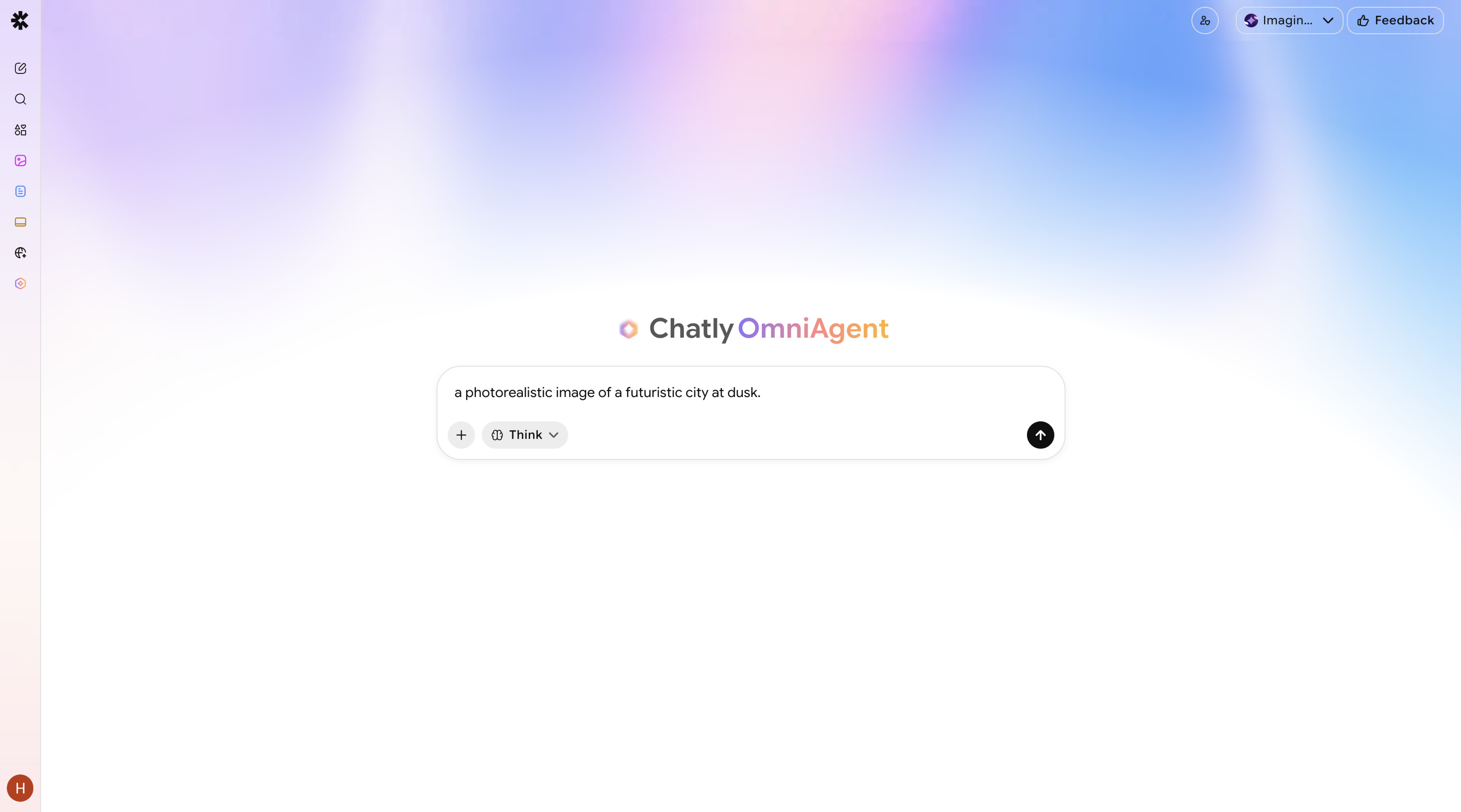
3. **Describe what you want to create** Type your prompt in plain language — *"a 30-second ambient music track with a calm, cinematic feel"* or *"a photorealistic image of a futuristic city at dusk".*
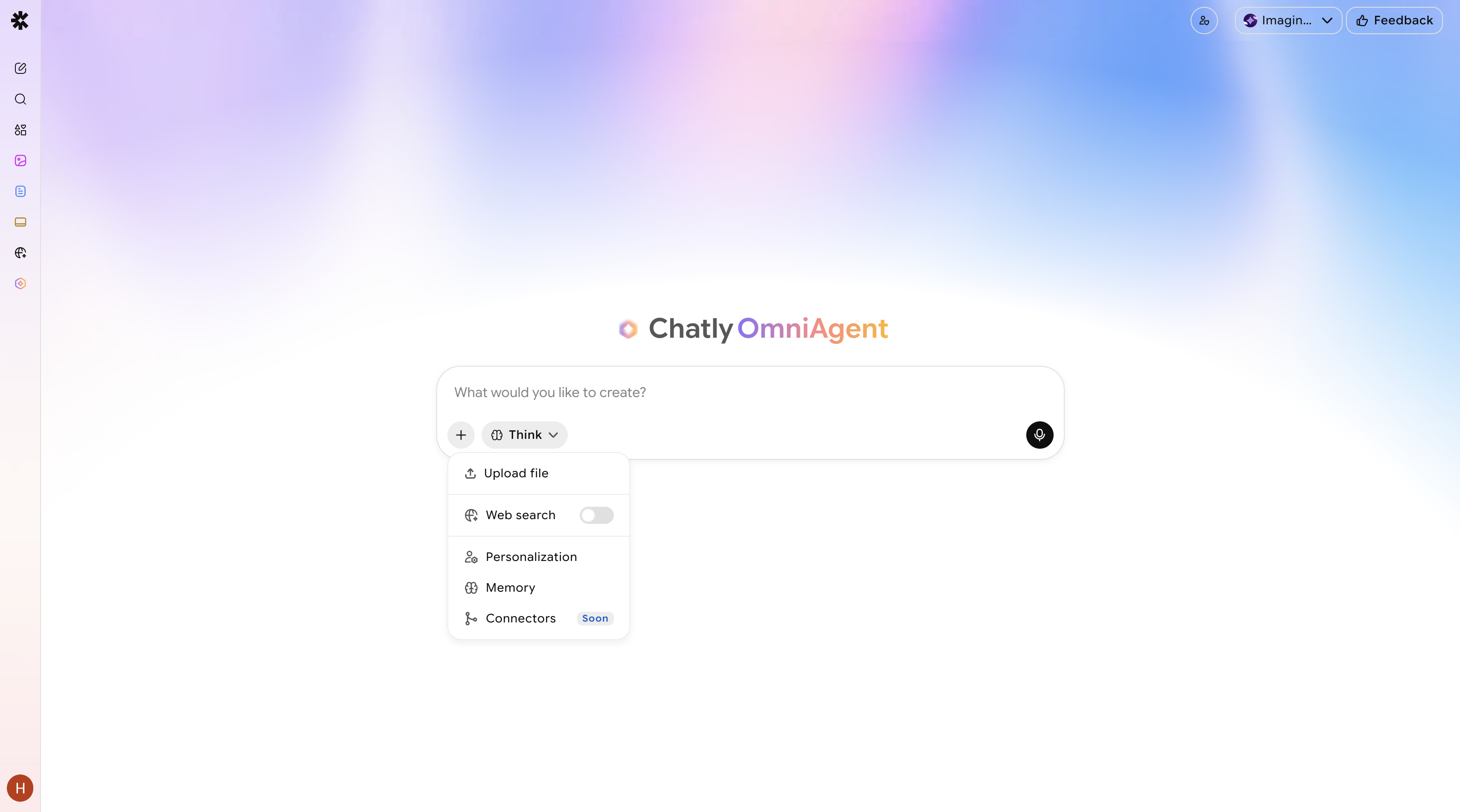
4. **Upload a reference file (optional)** Attach an image, audio clip, or document to give OmniAgent a creative anchor to work from.
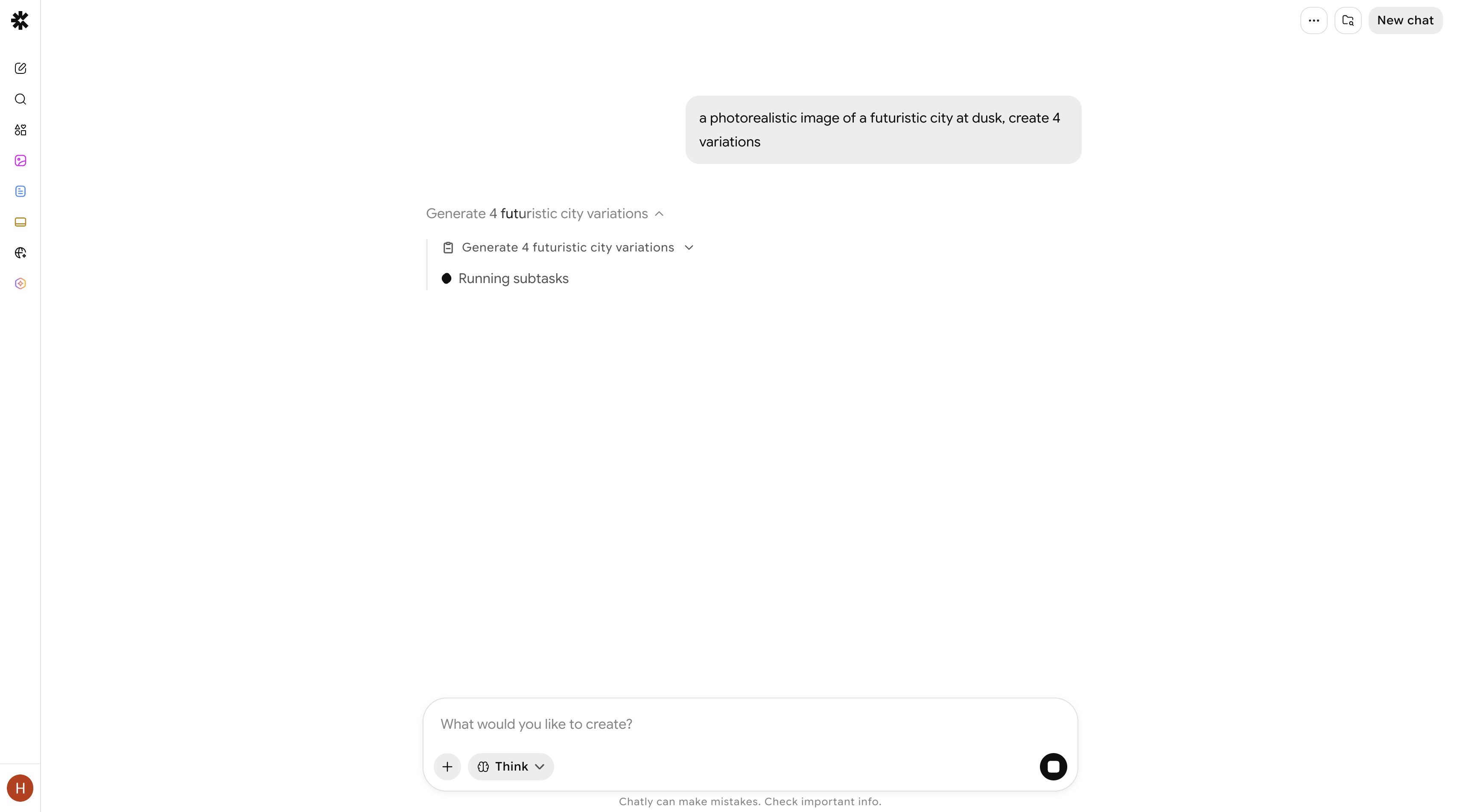
5. **Hit Generate** OmniAgent spins up your sandbox and begins working. Watch the agent's progress in real time as it plans and executes your request.
6. **Review the output** Your image, video, or music file will appear directly in the chat once complete.
7. **Refine in conversation** Describe any changes — *"make it warmer in tone"* or *"add more bass"* — and OmniAgent will iterate without starting over.
8. **Switch modes if needed** If your task grows more complex or you want a higher quality pass, upgrade to a higher mode and re-run.
9. **Download your output** Save your final file directly from the chat window.